

Connect any tool to Bitscale with a custom API
Try Bitscale Now!
What this feature does
Bitscale lets you create custom integrations using API calls. If a platform supports an API, you can call it from Bitscale, templatize it, and use it as a step inside your workflows. This is useful when:- you want to connect a tool that is not available as a native integration
- you want a very specific API action (not a generic integration)
- you want the API call to run row-by-row as part of your workflow
Where to find it
- Open your grid
- Go to Enrichments -> Data toolkit
- Select HTTP API
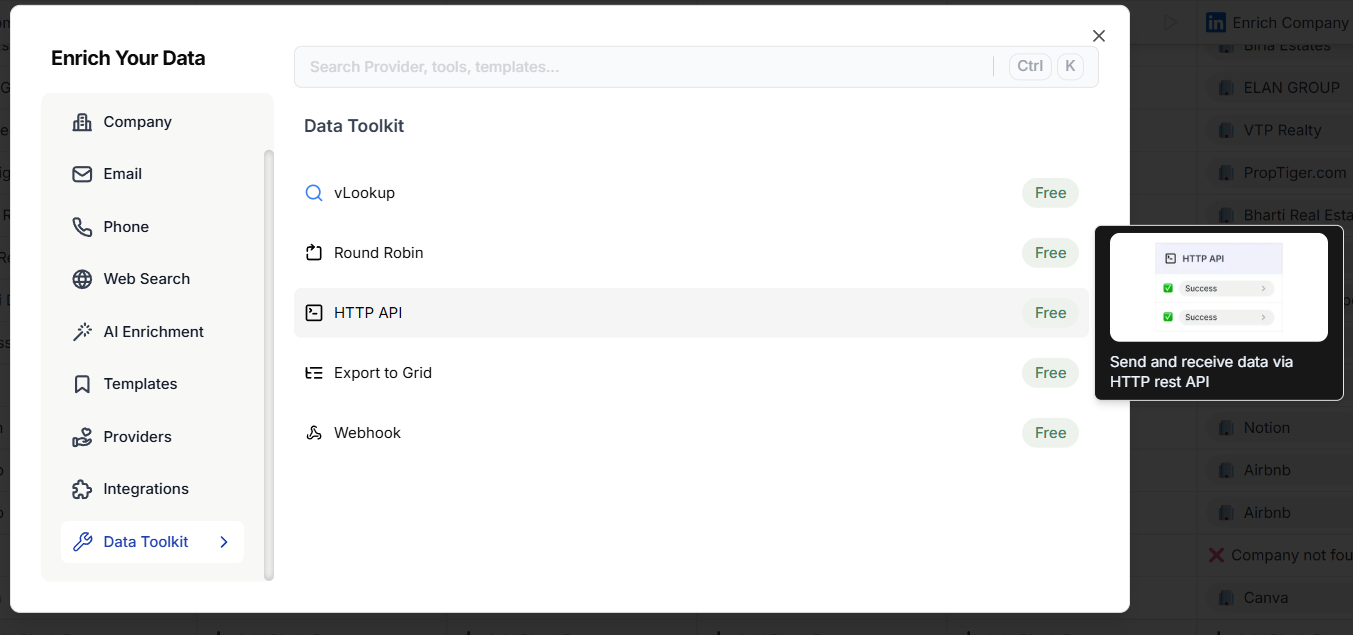
Option 1: Set up the API call manually
This option is ideal if you understand API basics and want full control.1) Choose the method
Pick the HTTP method you need:- GET, POST, PUT, or others depending on your API
2) Add the endpoint URL
Paste the API endpoint into the URL field.Pass values from columns into the URL (variables)
If the endpoint needs row-specific values (like company name), you can inject grid columns into the URL using variables.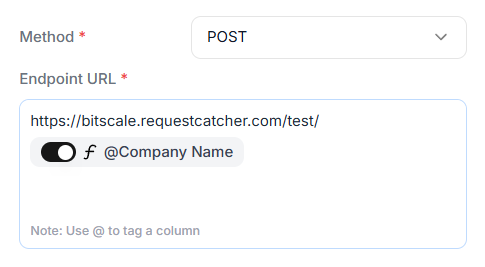
3) Add headers (optional)
Headers are key-value pairs. This is where you can add:- content type
- API keys
- auth tokens
- any required authentication headers
4) Add the request body (optional)
For POST or PUT requests, you can send a request body as:- JSON
- key-value pairs
5) Save and run
Run the column like any other enrichment. After the run:- the status code of the call is visible
- the response body is visible if the API returns data
- you can add those outputs as columns in the grid
Option 2: Build the API call using a Documentation Link
This is the fastest way to create API calls, especially if you are not technical. Instead of setting everything manually, you can let Bitscale parse the documentation and create the request for you.1) Create a new HTTP API column
- Go to Enrichments → Data toolkit → HTTP API
- Choose Use documentation link
2) Paste the API documentation URL
- Copy the URL of the API docs page (example: an Instantly API reference page)
- Paste it into Bitscale

3) Fetch available API calls
Click the option to fetch the list of API calls from the documentation. Bitscale will show you all available requests described in the docs.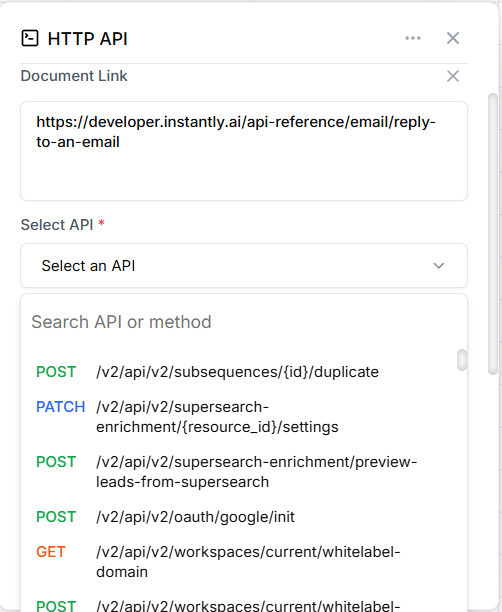
4) Select the request you want
Pick the exact endpoint/action you want to run (example: replying to an email).5) Map fields
Click Map fields and Bitscale will auto-fill:- method
- endpoint URL
- required headers
- request body schema
- keys you can send
- map request fields to the right grid columns
- remove fields you do not need
Best practices
- Start by testing on a small batch of rows
- Use variables in the URL and body when the API needs row-specific data
- Keep headers consistent if they include auth tokens
- Use the documentation link method if you want speed and fewer setup mistakes
Turn any API documentation into a workflow step in minutes
Try Bitscale Now!