

Turn one ICP into a list of similar target companies
Try Bitscale Now!
Why lookalikes are a powerful list-building shortcut
One of the fastest ways to build a high-quality target list is to start with companies you already know. If you have a partner account, a customer you delivered value to, or a company where your playbook already worked, you can use it to find similar companies. This helps because:- you already know the industry and problem well
- you already have proof that your approach works
- the next company is more likely to take your message seriously
Two ways to find lookalikes in Bitscale
- Bulk lookalikes from one company
- best when you have one “perfect” account and want a larger list of similar companies
- Lookalikes for each company in a list
- best when you have multiple seed accounts and want a small set of lookalikes for each one
Method 1: Bulk lookalikes from one company
Use this when you want to find a full list of similar companies from one strong seed account.- Click New grid
- Select Find company lookalikes
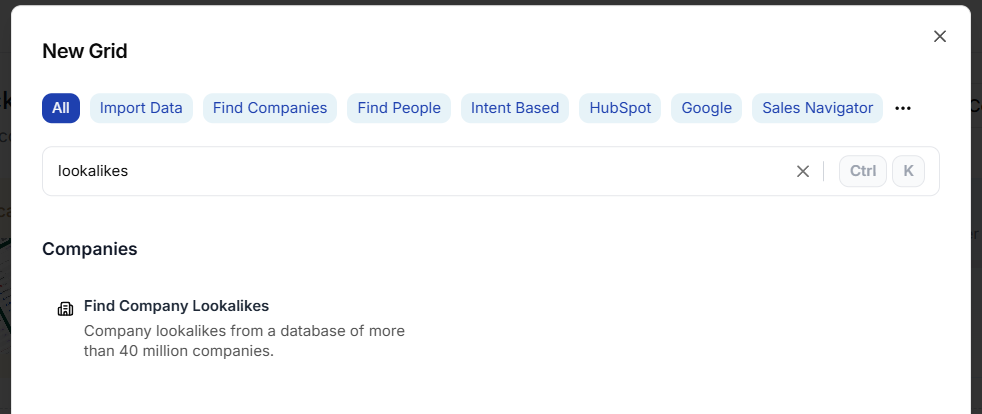
- Paste the company URL
- Add filters if needed
- Choose how many results you want
- Click Import to new grid
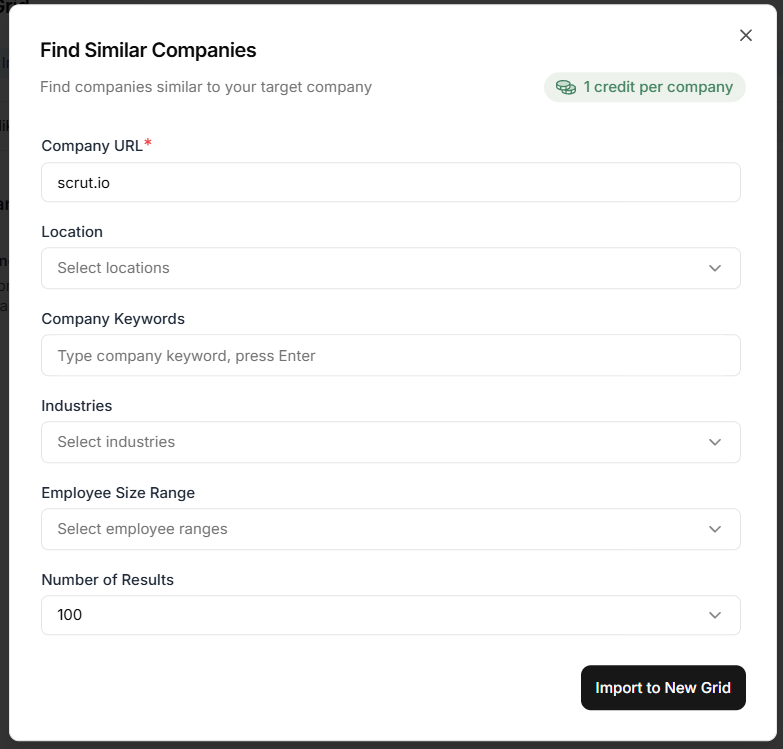 Now you have a grid with lookalike companies, and you can:
- enrich them
- push them into your CRM as target accounts
- run outbound workflows or cadences
Method 2: Find lookalikes for each company in a list
Use this when you already have a list of companies and want a small number of lookalikes for each one (like 5 to 15).Step 1: Add the lookalikes enrichment inside the grid
- Open your grid
- Click Enrichments
- Search for Lookalikes
- Select it to open the setup
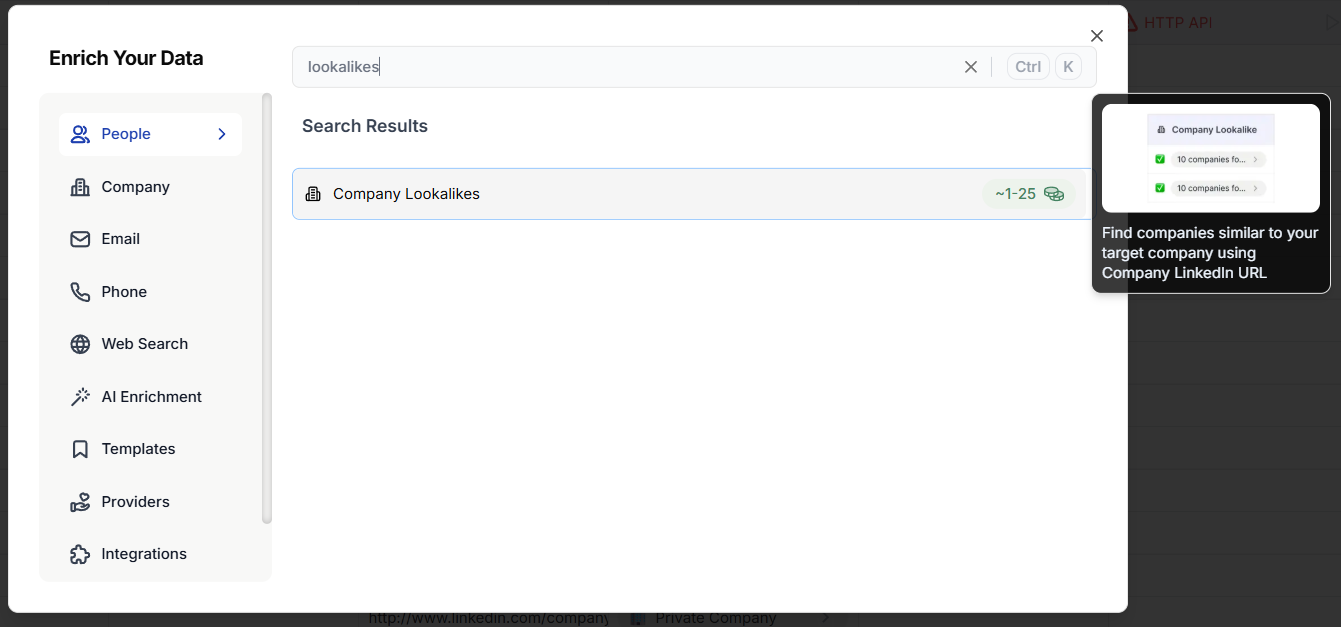
Step 2: Configure the enrichment
- For Company URL, pass the website/domain column
- Add the desired filters
- Set the number of lookalikes per company (preferably 5 - 15)
- Save
- Run it for a test batch of first 10 rows
Step 3: Export lookalikes into a new grid
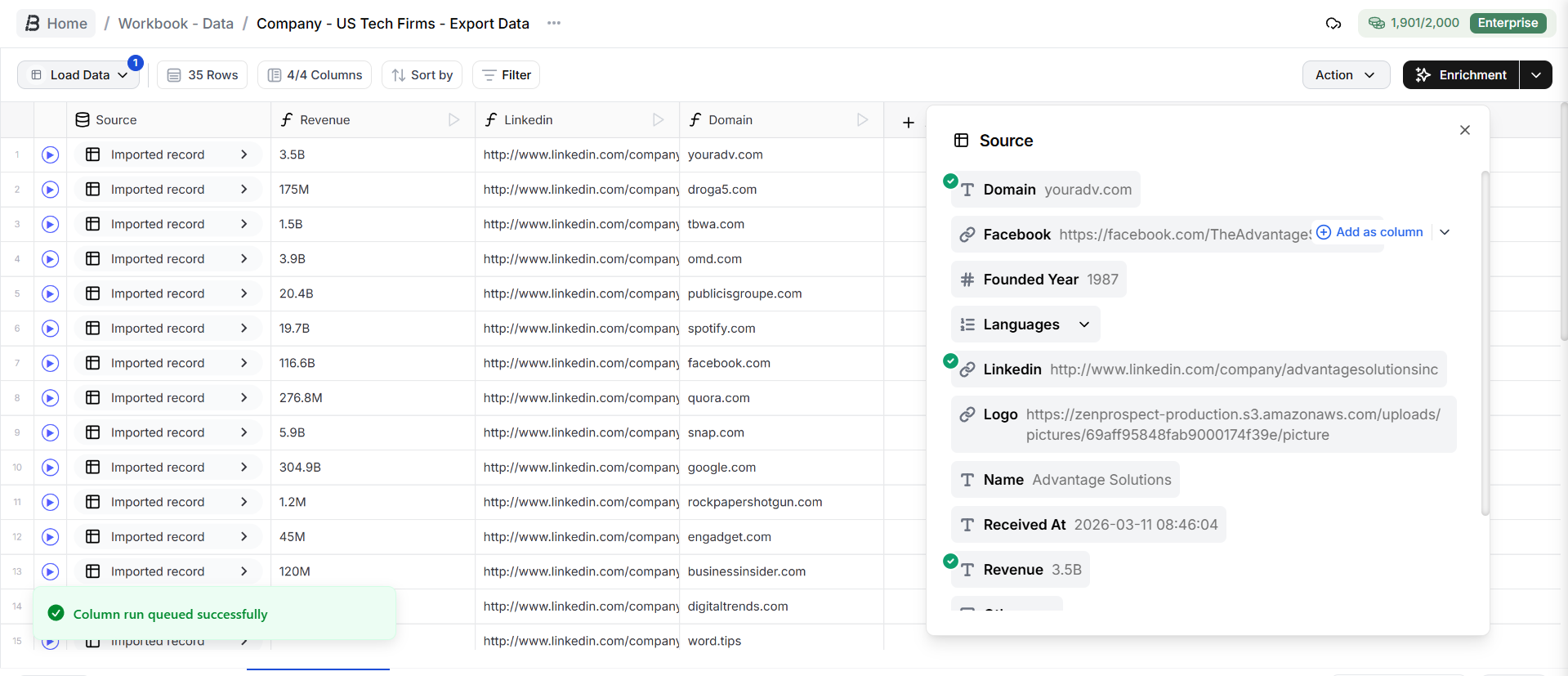
To use the returned companies as a real list, export them into a separate grid.- Click a lookalikes cell
- Choose Export to grid
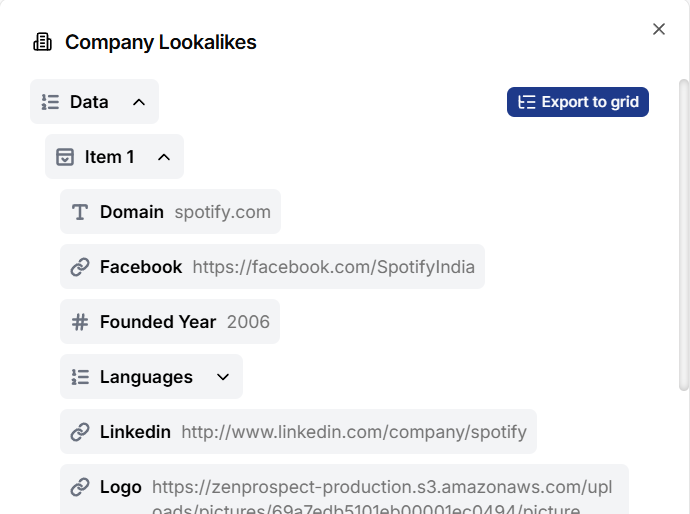
- Create a new grid
- Include the original website URL along with the lookalike results
- Save
- Run it for the same rows you tested
What to do next
Once your lookalike companies are in a grid, the most common next steps are:- enrich company details
- find relevant people at those companies
- push to your CRM as target accounts
- trigger outbound workflows
Scale your outbound by cloning your best-fit clients
Try Bitscale Now!